Project · Tool
Xenticorp Ripnamer
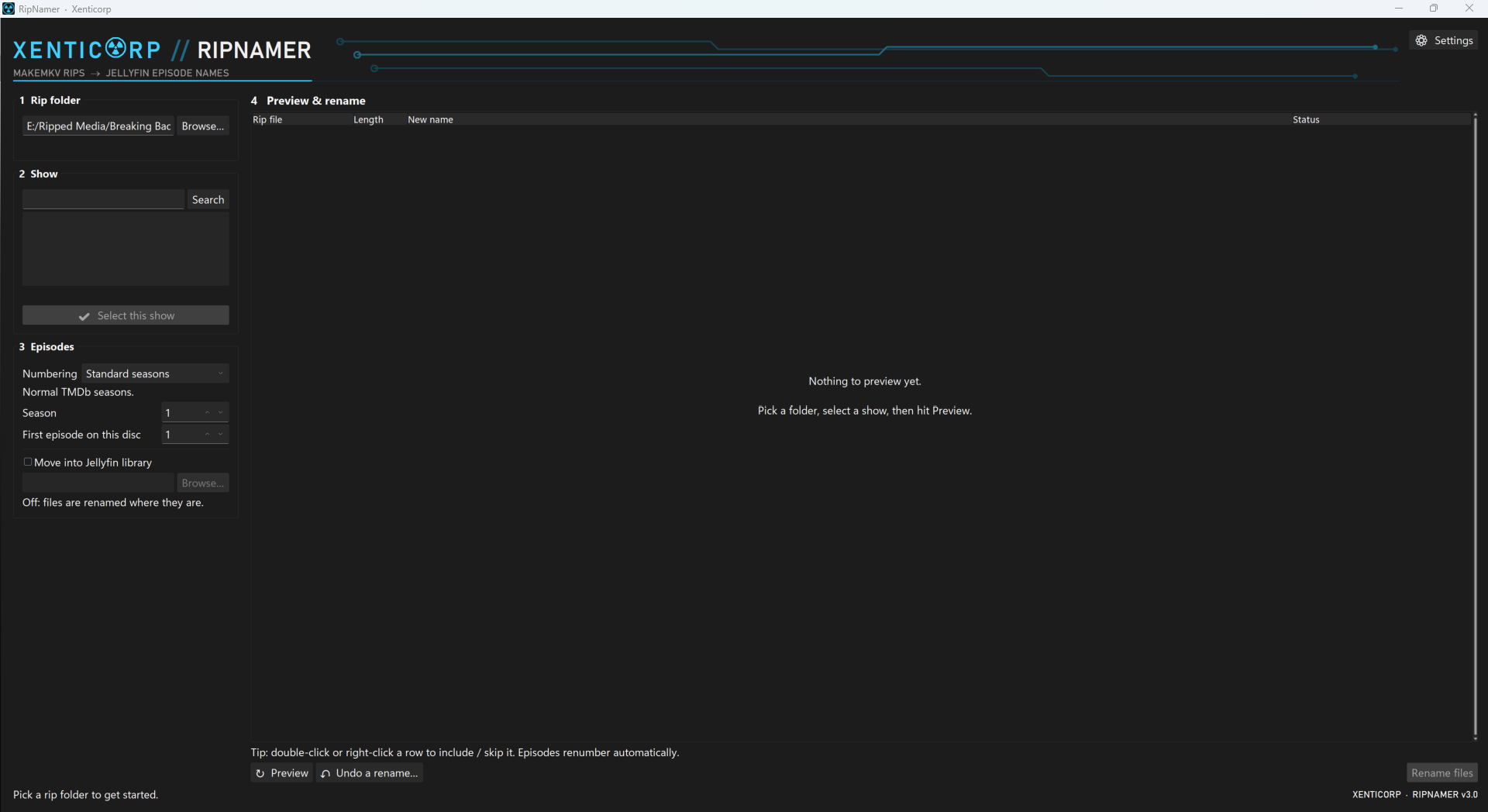
A Windows and Linux app that renames MakeMKV TV rips into Jellyfin naming, using TMDb to look up the show and episode details.
Work in progress. Both Ripnamer and this page are still being built, so features and details may change.
SHA-256 checksums · All releases
- Needs a free TMDb API key. Paste it in ⚙ Settings on first launch.
- Windows: if SmartScreen warns, click More info → Run anyway.
- Linux:
chmod +x xenticorp-ripnamer-*-linux-x86_64 && ./xenticorp-ripnamer-*-linux-x86_64
The problem
MakeMKV gives every ripped title a generic name, and Jellyfin needs show, season and episode names to match a series correctly. Ripnamer bridges that gap so you don’t rename each file by hand.
How it works
- Point it at your ripsChoose the folder of MakeMKV output for a season or volume.
- Match against TMDbRipnamer looks the show up on TMDb to get the real show and episode names.
- Rename into Jellyfin namingFiles come out named the way Jellyfin expects, ready to drop into your library.
Before and after
Illustrative example of the idea; the exact output format is set by the app.
Straight out of MakeMKVtitle_t00.mkv
title_t01.mkv
title_t02.mkv
title_t03.mkv
After RipnamerShow Name - S01E01.mkv
Show Name - S01E02.mkv
Show Name - S01E03.mkv
Show Name - S01E04.mkv
Screenshots & details